
On TV
-
Introducing PowerDVD 24 - The World’s Best Blu-ray & Media Player
Od wersji 24 -
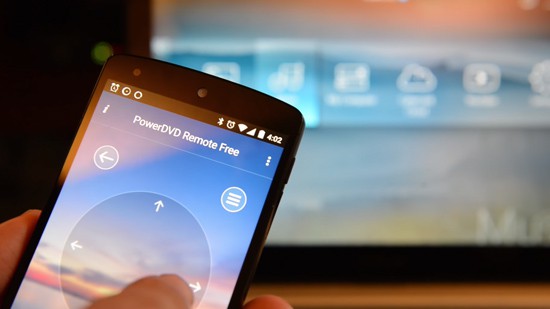
PowerDVD Remote
Od wersji 18 -
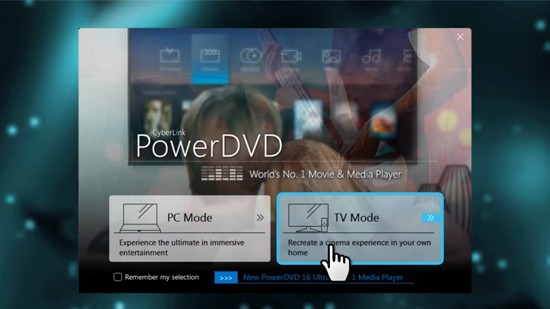
Using TV Mode
Od wersji 18 -
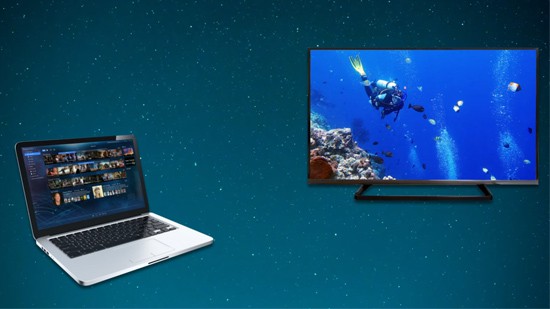
Play Media on Your Smart TV
Od wersji 18 -
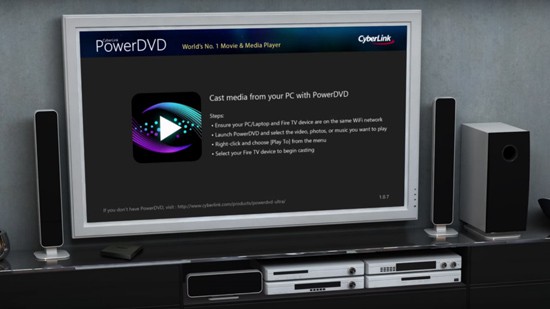
Casting to Fire TV & Roku TV
Od wersji 18 -
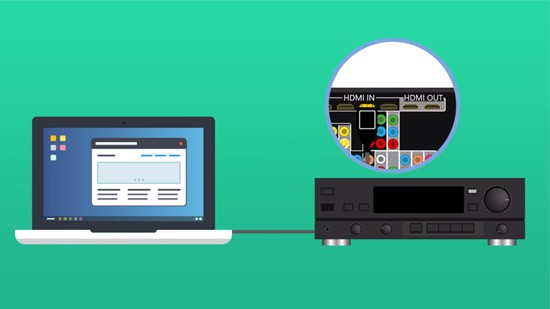
Connecting to Your Sound System & TV
Od wersji 18 -
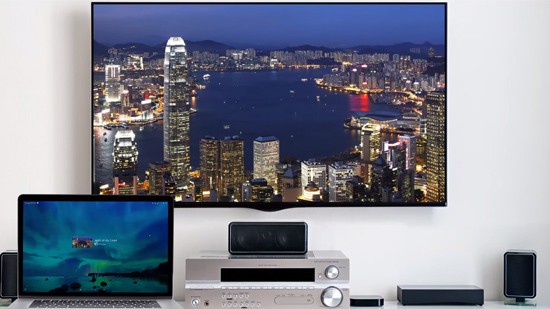
Casting to Apple TV & Chromecast
Od wersji 18 -
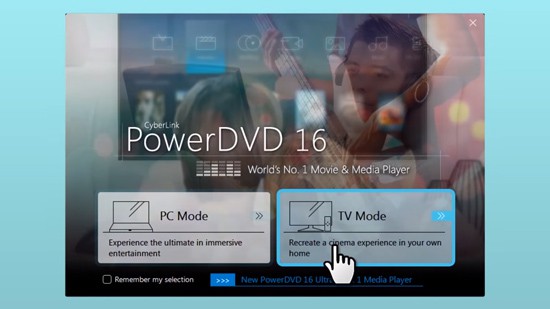
Casting to Roku, Apple TV and Chromecast
Od wersji 16
Mobile Device & Cloud
-

Convert and Trim Videos for Mobile Devices
Od wersji 22 -

Sharing Across Rooms, Devices on Your Home Network
Od wersji 22 -

Share to Cloud and with Friends & Family
Od wersji 22 -

Use PowerDVD to Create Shareable Video Collections
Od wersji 20 -

Watch, Stream, Share Movies with the Best Media Player for Windows
Od wersji 20 -
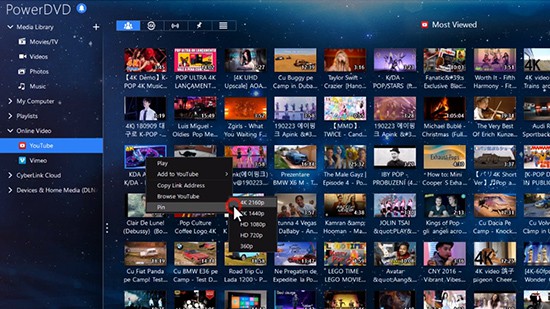
DVR for Your YouTube Videos
Od wersji 19 -
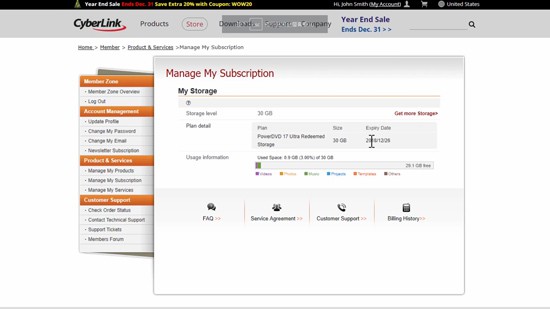
Setting Up & Managing Your CyberLink Cloud Account
Od wersji 18 -
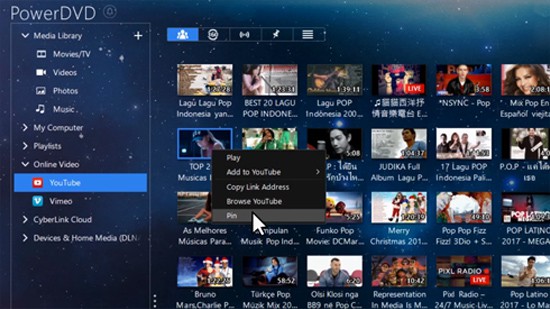
DVR for Your YouTube Videos
Od wersji 18 -

PowerDVD & CyberLink Cloud
Od wersji 18 -
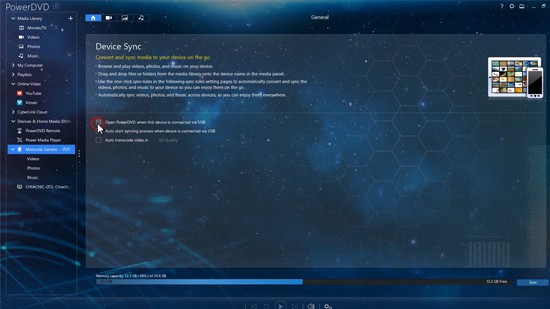
Sync Media and Enjoy On-the-Go
Od wersji 18 -
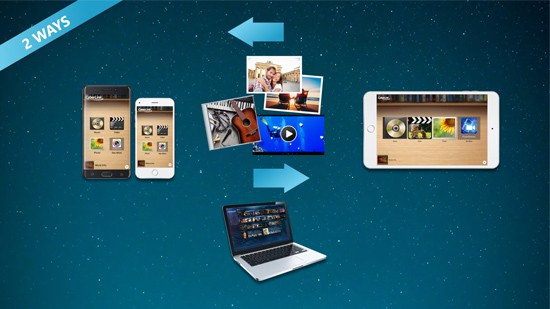
Play Media Between Mobile Devices
Od wersji 18
General Video/Audio
-

How To Sing, Record, and Mix Instant Karaoke With AI Vocal Removal
Od wersji 23 -

Convert Video Files from Blu-ray & DVD
Od wersji 22 -

Creating Playlists for Videos, Music Tracks and Photos
Od wersji 22 -

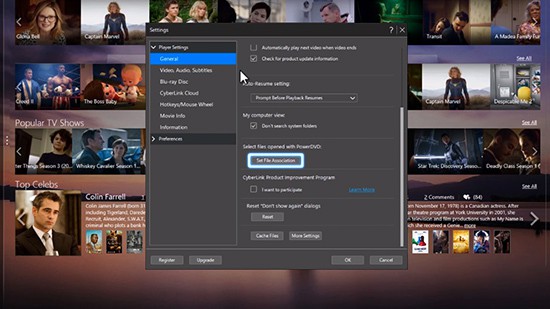
Setting PowerDVD as Default Media Player on Windows 11
Od wersji 22 -

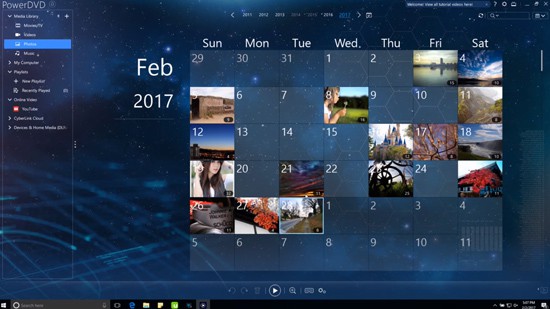
Set Up Your Media Library
Od wersji 22 -

Easy Playback Controls
Od wersji 22 -

The Media Panel
Od wersji 22 -

Signing in & Playing YouTube Videos
Od wersji 22 -
Setting PowerDVD as Default Media Player
Od wersji 19 -
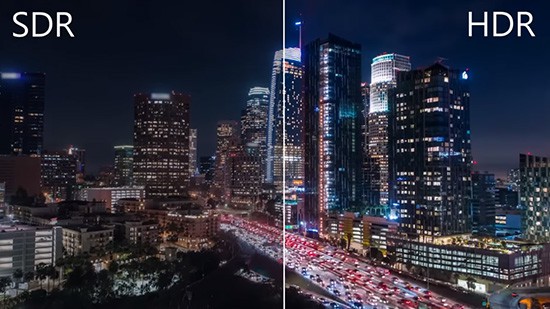
Setting up Windows HDR Mode
Od wersji 19 -
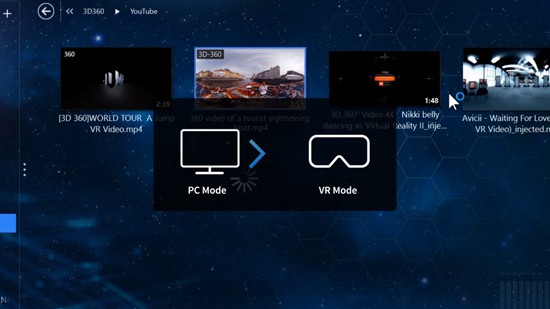
Using VR Mode
Od wersji 18 -
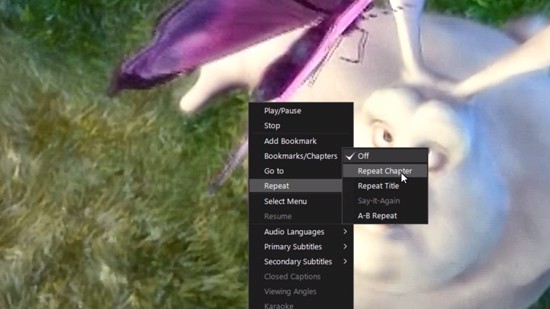
Repeat & Shuffle Video
Od wersji 18 -
Play a Video/Photo Slideshow
Od wersji 18 -
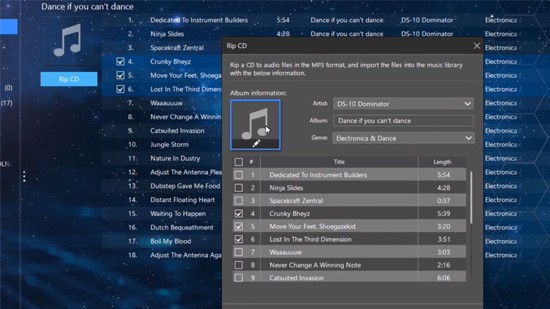
Rip Audio from an Audio CD
Od wersji 18 -
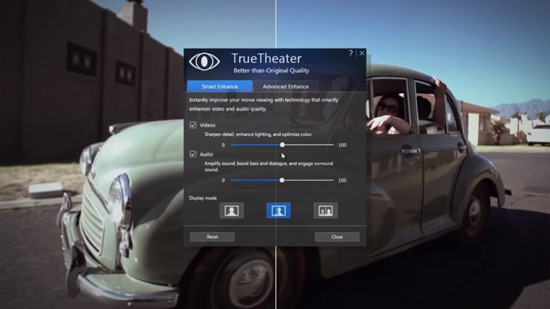
Better Video with TrueTheater
Od wersji 18 -
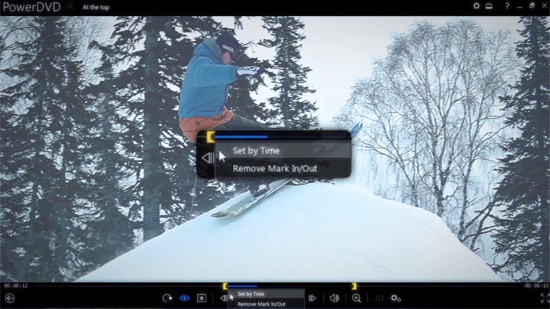
Scene Selector & Extracting Audio
Od wersji 18 -
Blu-ray Disc Playback
Od wersji 18 -
CyberLink PowerDVD 17 - Full Review and Tutorial
Od wersji 17 -
PowerDVD Tailored for You
Od wersji 17